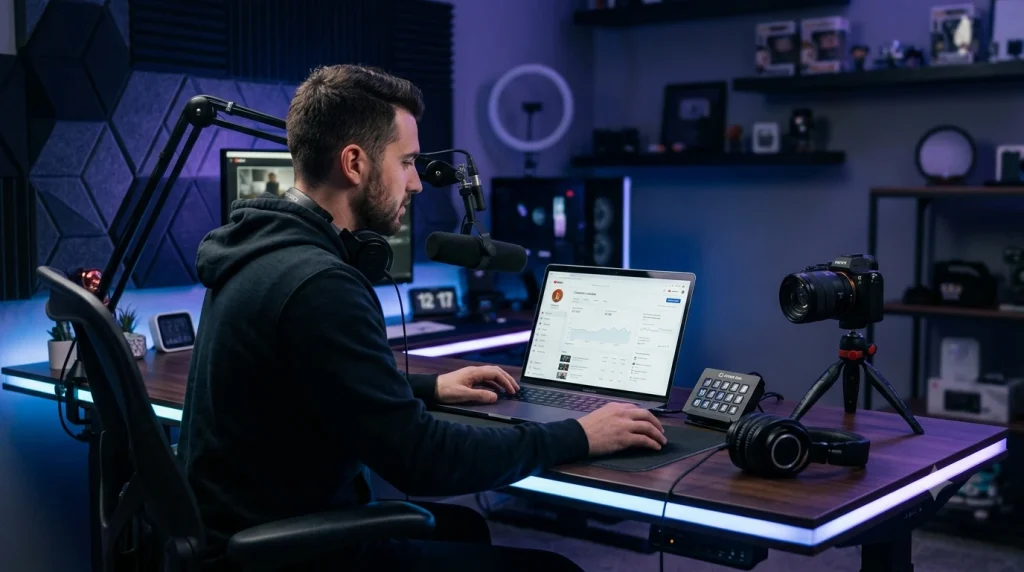
Starting a YouTube channel in 2026 is one of the best ways to build a personal brand, share your knowledge, and even create a long-term source of income. Millions of people watch YouTube every day to learn new skills, find entertainment, and discover products or services. This creates huge opportunities for creators in almost every niche.
However, many beginners think that success on YouTube depends on expensive cameras or professional equipment. The truth is different. A successful YouTube channel is built on three key elements: choosing the right niche, creating valuable content, and staying consistent over time.
If you’re wondering how to start a YouTube channel and grow it successfully, this guide will walk you through every important step—from selecting your niche to publishing your first video and building an audience.
how to start a successful YouTube channel
Why Start a YouTube Channel in 2026?
YouTube continues to be one of the world’s largest video platforms, attracting billions of monthly viewers. Whether you want to become a full-time creator, promote a business, or build an online community, YouTube offers endless opportunities.
Here are a few reasons why starting a YouTube channel in 2026 is still a smart decision:
- Reach a global audience.
- Build a trusted personal or business brand.
- Earn income through ads, sponsorships, and affiliate marketing.
- Share your expertise with millions of viewers.
- Create content that can generate traffic for years.
Unlike many social media platforms, YouTube videos can continue getting views months or even years after they are published, making it a strong platform for long-term growth.
Step 1: Choose the Right YouTube Niche
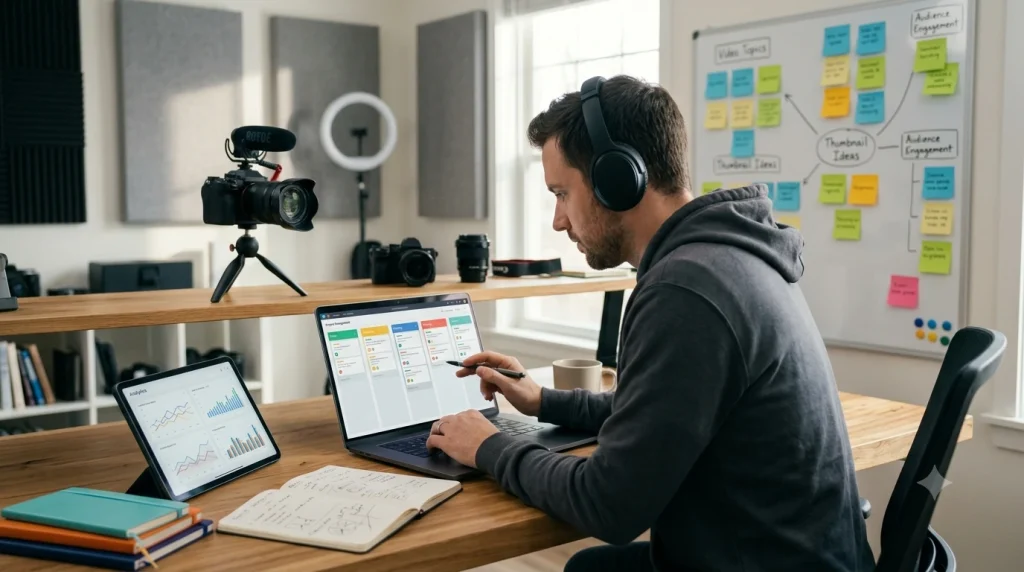
The first and most important step is selecting a niche. Your niche defines what your channel is about and helps YouTube recommend your videos to the right audience.
Before choosing a niche, ask yourself these questions:
- What topics do I enjoy talking about?
- Do I have knowledge or experience in this area?
- Are people actively searching for this topic?
- Can I create content consistently for the next year?
Choosing a niche that combines your interest with audience demand increases your chances of long-term success.
Popular YouTube Niches in 2026
| Niche | Growth Potential |
|---|---|
| AI Tools | ⭐⭐⭐⭐⭐ |
| Technology | ⭐⭐⭐⭐⭐ |
| Gaming | ⭐⭐⭐⭐☆ |
| Education | ⭐⭐⭐⭐☆ |
| Personal Finance | ⭐⭐⭐⭐⭐ |
| Fitness | ⭐⭐⭐⭐☆ |
| Travel | ⭐⭐⭐⭐☆ |
| Cooking | ⭐⭐⭐⭐☆ |
| Productivity | ⭐⭐⭐⭐⭐ |
Step 2: Create Your YouTube Channel
Once you’ve selected your niche, it’s time to create your channel.
Create a Google Account
If you don’t already have one, create a Google account. This gives you access to YouTube and other Google services.
Set Up Your Channel
After signing in to YouTube:
- Click your profile picture.
- Select Create a Channel.
- Choose a professional channel name.
- Upload a profile picture.
- Add a banner image.
- Write a clear channel description.
Your branding should clearly communicate what your channel offers.
Write a Strong Channel Description
A good description tells viewers what they can expect from your content.
Include:
- Your main content topics.
- Your upload schedule (if possible).
- A short introduction.
- Relevant keywords naturally.
Customize Your Channel
Before uploading your first video, customize your homepage:
- Add a featured video.
- Create playlists for future content.
- Organize your channel layout.
- Add links to your website and social media profiles.
A well-organized channel creates a better first impression and encourages visitors to explore more of your content.
Step 3: Build a Strong YouTube Brand
A successful YouTube channel is not just a place to upload videos; it is a brand. Good branding sets your channel apart from others and builds trust with viewers.
Many beginners focus only on creating videos but do not build a channel identity. A consistent brand helps your audience remember you.
Choose a Memorable Channel Name
Your channel name should be:
- Easy to remember
- Easy to pronounce
- Related to your content
- Scalable for the future
Examples:
Bad:
- Random123Tech
- BestVideos786
Good:
- TechPulse
- Creator Hub
- Digital World
Create a Professional Profile Picture
Your profile picture is the first impression of your channel.
Characteristics of a good profile picture:
- Clean design
- Understandable even in a small size
- Using brand color
- Keeping text to a minimum
You can use:
Logo
- Brand icon
- Personal photo (if it’s a personal brand)
- Design an Attractive Channel Banner
Your YouTube banner is your channel’s large visual identity.
A good banner can include:
- Channel name
- Main topic
- Upload schedule (if any)
- Brand message
Example:
AI Tools, Creator Tips & Digital Solutions
Step 4: Plan Your Content Strategy
The biggest problem for many new creators is that they do not know what videos to make.
It is important to create a content plan before starting.
Understand Your Audience
First, decide:
Who are your viewers?
Examples:
Technology channel:
- Students
- Developers
- Tech lovers
Creator channel:
- YouTubers
- Bloggers
- Freelancers
Gaming channel:
- Gamers
- Entertainment viewers
When you understand your audience, you can solve their problems.
Find Video Ideas
Some easy ways to get video ideas:
YouTube Search
Type your topic in the YouTube search bar.
YouTube itself will show popular search suggestions.
Example:
You typed:
“AI tools”
Then suggestions might appear:
AI tools for students
AI tools for creators
AI tools for business
Content ideas can be found from these.
- Competitor Research
Look at successful channels in your niche.
Notice:
Which videos got the most views
Which topics come up repeatedly
What the thumbnail style looks like
How titles are written
But never copy. Take ideas and add your unique value. - Use Content Pillars
It is good for a channel to have 3 to 5 main topics.
Example:
AI Creator Channel:
Pillar 1: AI Tools Reviews
Pillar 2: AI Tutorials
Pillar 3: Creator Tips
Pillar 4: Productivity
This keeps the channel organized.
Create a Content Calendar
Consistency is very important for YouTube growth.
A simple calendar:
Weekly Content Schedule
| Day | Content Type |
|---|---|
| Monday | Tutorial |
| Wednesday | Tool Review |
| Friday | Tips Video |
| Sunday | Long Video |
Step 5: Create Your First Video
Your first video does not need to be perfect. The most important thing is to start and improve gradually.
The structure of a good YouTube video:
- Strong Hook (First 5–10 Seconds)
You need to capture the viewer’s attention in the first few seconds.
Example:
“Today I will show you 5 free AI tools that can cut your work time in half.” - Main Content
Here:
Provide value
Solve problems
Give clear explanation - Call To Action
At the end, you can say:
Subscribe
Comment
Watch related video
Beginner Recording Equipment
Expensive equipment is not necessary at the beginning.
You can use:
- Camera
- Smartphone camera
- Audio
- Budget microphone
- Wireless mic
- Lighting
- Natural light
- Simple LED light
- Screen Recording
- OBS Studio
- Loom
Good content and clear audio are often more important than an expensive camera.
Step 6: Edit Your YouTube Videos Professionally
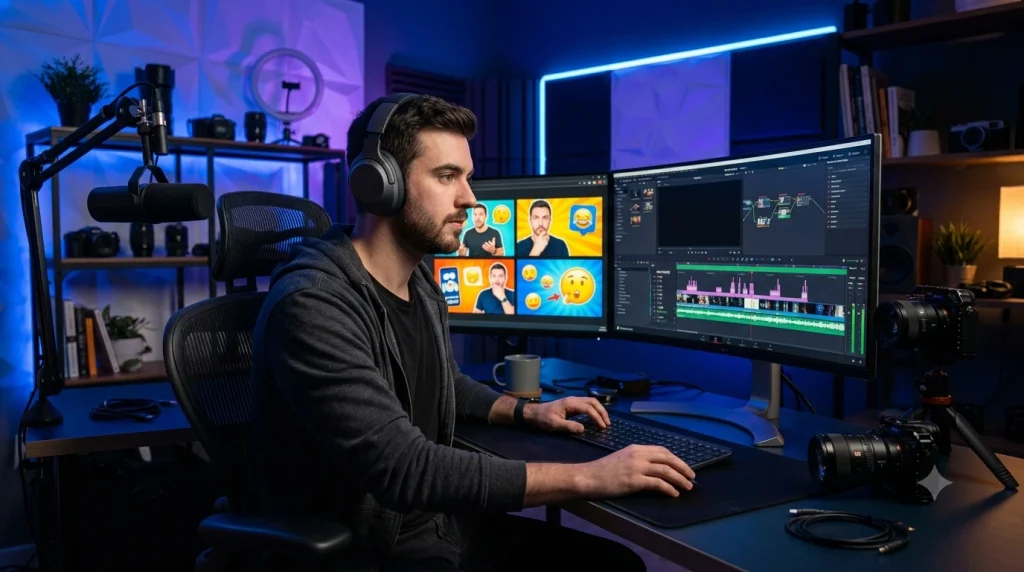
Video editing is one of the most important parts of creating high-quality YouTube content. Good editing keeps viewers engaged, improves watch time, and makes your videos look more professional.
You don’t need expensive software to start. Many free video editing tools provide powerful features for beginners and advanced creators.
Best Free Video Editing Tools for YouTube Creators
CapCut
Best For: Beginners and YouTube Shorts
CapCut is one of the most popular free video editing tools available today. It offers simple editing features along with AI-powered tools.
Features:
- Auto captions
- AI effects
- Background removal
- Transitions
- Templates
- Sound effects
DaVinci Resolve
Best For: Professional Video Editing
DaVinci Resolve is a powerful free editor used by many professional creators.
Features:
- Advanced color grading
- Professional audio editing
- Visual effects
- Multi-layer timeline editing
Note: It requires a more powerful computer compared to basic editors.
Shotcut
Best For: Low-End Computers
Shotcut is a lightweight open-source video editor that works well on older PCs.
Features:
- Simple editing tools
- Multiple format support
- Audio editing
- Video effects
Basic Video Editing Tips
Remove Unnecessary Parts
Avoid long pauses, mistakes, and boring sections. Keep your video fast and engaging.
Add Captions
Many viewers watch videos without sound. Adding subtitles can improve engagement.
Use Background Music Carefully
Background music should support your content, not distract viewers.
Improve The First 30 Seconds
The beginning of your video decides whether viewers continue watching or leave.
Step 7: Create Eye-Catching YouTube Thumbnails
A thumbnail is one of the biggest factors that influence whether someone clicks your video.
A great thumbnail can increase your Click-Through Rate (CTR) and help YouTube recommend your content to more viewers.
Elements of a High-Quality Thumbnail
1. Use a Clear Main Subject
Avoid adding too many elements. A simple and focused thumbnail usually performs better.
2. Use Strong Contrast
Bright colors and clear separation help thumbnails stand out.
3. Add Short Text
Use only a few words that create curiosity.
Example:
Bad:
“How To Start A YouTube Channel Step By Step Guide For Beginners”
Better:
“Start YouTube 2026”
4. Use High-Quality Images
Blurry images can reduce clicks and make your channel look less professional.
Best Free Thumbnail Design Tools
Canva
Canva is one of the easiest tools for creating YouTube thumbnails.
Features:
- YouTube thumbnail templates
- Drag-and-drop editor
- AI design tools
- Graphics and icons
Photopea
Photopea is a free online alternative to Photoshop.
Features:
- Layer editing
- Advanced effects
- PSD file support
Step 8: Optimize Your Videos With YouTube SEO
YouTube SEO helps your videos appear in search results and reach the right audience.
A properly optimized video has a better chance of gaining organic views.
Write Better Video Titles
Your title should be:
- Clear
- Interesting
- Keyword-focused
- Easy to understand
Example:
Weak Title:
“Some AI Tools”
Better Title:
“10 Best Free AI Tools Every Creator Needs in 2026”
Write an SEO-Friendly Description
A good description helps YouTube understand your content.
Include:
- A short video summary
- Important keywords
- Related links
- Social media links
Example:
“This video covers the best free AI tools for content creators in 2026. Learn how these tools can help with script writing, thumbnails, editing, and productivity.”
Use Relevant Tags
Tags are not the biggest ranking factor anymore, but they can still help YouTube understand your topic.
Use:
- Main keyword
- Related keywords
- Topic variations
Example:
For a video about YouTube tools:
- YouTube tools
- YouTube creator tools
- AI tools for YouTube
- YouTube growth tips
Add Chapters To Long Videos
YouTube chapters improve user experience and help viewers find important sections quickly.
Example:
00:00 Introduction
01:20 Best Tools
05:30 How To Use Them
09:00 Final Tips
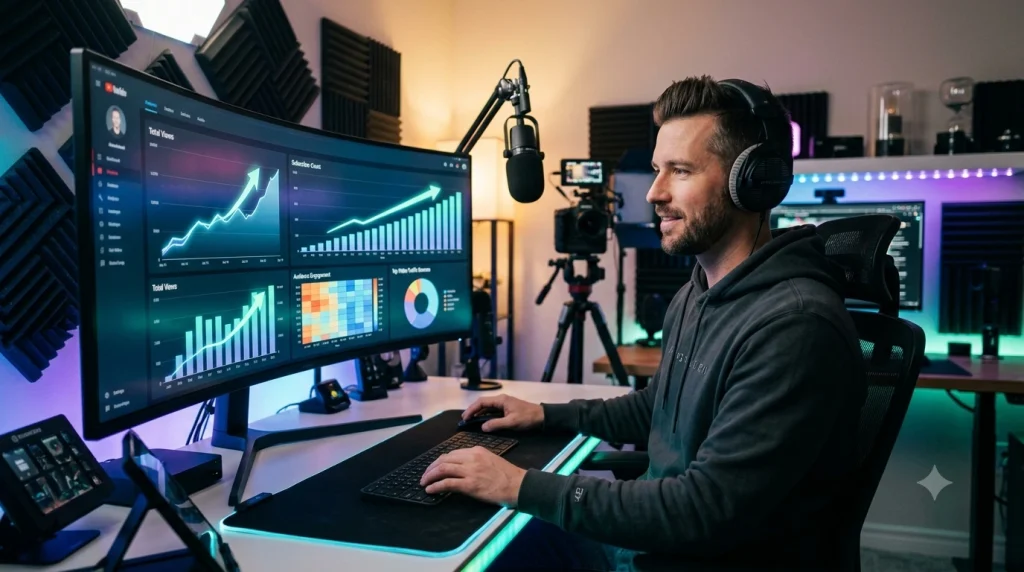
YouTube provides creators with powerful analytics tools YouTube Studio to understand their audience and improve content performance.
Step 9: Promote Your YouTube Videos
Creating a video is only the beginning. Promotion helps your content reach more people.
Share On Social Media
Promote your videos on:
- X (Twitter)
- Reddit communities
Repurpose Your Content
Turn one long video into multiple pieces of content:
Long YouTube Video →
- YouTube Shorts
- Instagram Reels
- TikTok videos
- Blog posts
This helps you reach different audiences.
Build A Community
Reply to comments, ask questions, and interact with viewers.
A strong community helps create loyal subscribers.
Step 10: Stay Consistent And Improve
Many beginners quit because they don’t see results quickly.
YouTube growth takes time. Successful creators improve by analyzing their performance and making better videos over time.
Focus on:
- Better storytelling
- Better thumbnails
- Better titles
- Understanding analytics
- Upload consistency
Remember:
Consistency + Quality + Improvement = Long-Term YouTube Growth
Common Mistakes Beginner YouTubers Make
Starting a YouTube channel is exciting, but many beginners make mistakes that slow down their growth. Understanding these mistakes early can help you build a stronger channel.
1. Choosing a Niche Without Research
One of the biggest mistakes is creating content without understanding the audience.
Many beginners choose a topic only because it is popular. However, if you cannot consistently create valuable content around that topic, growing becomes difficult.
Before selecting a niche, research:
- Audience demand
- Competition level
- Long-term content possibilities
- Your personal interest
A good niche should balance your passion with audience needs.
2. Focusing Only on Views
Many new creators only look at views and ignore other important metrics.
YouTube growth depends on:
- Watch time
- Audience retention
- Click-through rate (CTR)
- Engagement
A video with fewer views but high audience retention can perform better over time.
3. Making Videos Without a Clear Purpose
Every video should solve a problem, answer a question, or provide entertainment.
Before creating a video, ask:
- Why would someone watch this?
- What value will viewers get?
- What makes this video different?
4. Ignoring Thumbnail and Title Quality
A great video can fail if nobody clicks on it.
Your thumbnail and title should work together to create curiosity.
Avoid:
❌ Misleading clickbait
❌ Too much text
❌ Low-quality images
Focus on:
✅ Clear message
✅ Strong visual design
✅ Audience interest
5. Giving Up Too Early
Many successful YouTubers spent months or years improving before seeing major results.
Your first videos may not perform well, but they help you learn:
- What your audience likes
- Which topics work
- How to improve your style
Consistency is one of the biggest factors behind long-term success.
Best Free Tools for New YouTubers in 2026
The right tools can help you save time and improve your content quality. You don’t need expensive software to start creating professional videos.
AI Content Creation Tools
ChatGPT
Best For: Ideas, scripts, and planning
Uses:
- Video ideas
- Script writing
- Titles
- Descriptions
- Content planning
Claude AI
Best For: Long-form scripts
Uses:
- Storytelling
- Research assistance
- Video outlines
YouTube SEO Tools
TubeBuddy
Best For: Channel optimization
Features:
- Keyword suggestions
- Tag ideas
- SEO checklist
vidIQ
Best For: YouTube research
Features:
- Keyword research
- Competitor analysis
- Trending topics
Design Tools
Canva
Best For: Thumbnails and graphics
Features:
- Thumbnail templates
- Channel banners
- Social media designs
Photopea
Best For: Advanced image editing
Features:
- Photoshop-style editing
- Layer support
- Professional effects
Video Editing Tools
CapCut
Best For: Beginners
Features:
- Auto captions
- AI effects
- Easy editing
DaVinci Resolve
Best For: Professional creators
Features:
- Color grading
- Advanced editing
- Audio production
AI Voice Tools
ElevenLabs
Best For: AI Voice Generation
Features:
- Realistic AI voices
- Multiple languages
- Voice customization
YouTube Growth Tips for 2026
The YouTube platform is becoming more competitive every year. To stand out, creators need a smarter strategy.
1. Focus on Audience Problems
The best-performing videos usually solve a problem.
Examples:
Instead of:
“AI Tools”
Create:
“10 AI Tools That Save Creators 10 Hours Every Week”
2. Improve Your First 30 Seconds
The beginning of your video is extremely important.
A strong introduction should:
- Create curiosity
- Explain the benefit
- Give viewers a reason to continue watching
3. Analyze YouTube Analytics
Use YouTube Studio regularly.
Track:
- Which videos get the most views
- Where viewers leave
- Which traffic sources work best
Use this information to improve future videos.
4. Build Multiple Content Formats
Modern creators should not depend on one format.
Create:
- Long videos
- YouTube Shorts
- Community posts
- Blog content
Multiple formats help you reach more people.
5. Create Content Consistently
You don’t need to upload every day.
A realistic schedule is better:
Example:
- 1 quality video per week
- 2–3 Shorts per week
Consistency matters more than quantity.
Frequently Asked Questions (FAQ)
Starting a YouTube channel is completely free. You can begin with a smartphone, free editing software, and basic internet access.
Yes. New creators can still grow in 2026 by choosing the right niche, creating valuable content, and consistently improving their videos.
There is no fixed timeline. Some channels grow quickly, while others take months or years. Success depends on content quality, consistency, audience demand, and strategy.
Final Thoughts
Starting a successful YouTube channel in 2026 is not about having the most expensive camera or the biggest budget. It is about understanding your audience, creating valuable content, and improving with every video.
The journey may feel challenging at first, but every successful creator started with their first upload.
Focus on:
- Choosing the right niche
- Creating helpful content
- Improving your thumbnails and titles
- Learning from analytics
- Staying consistent
With the right strategy and dedication, anyone can build a successful YouTube channel.