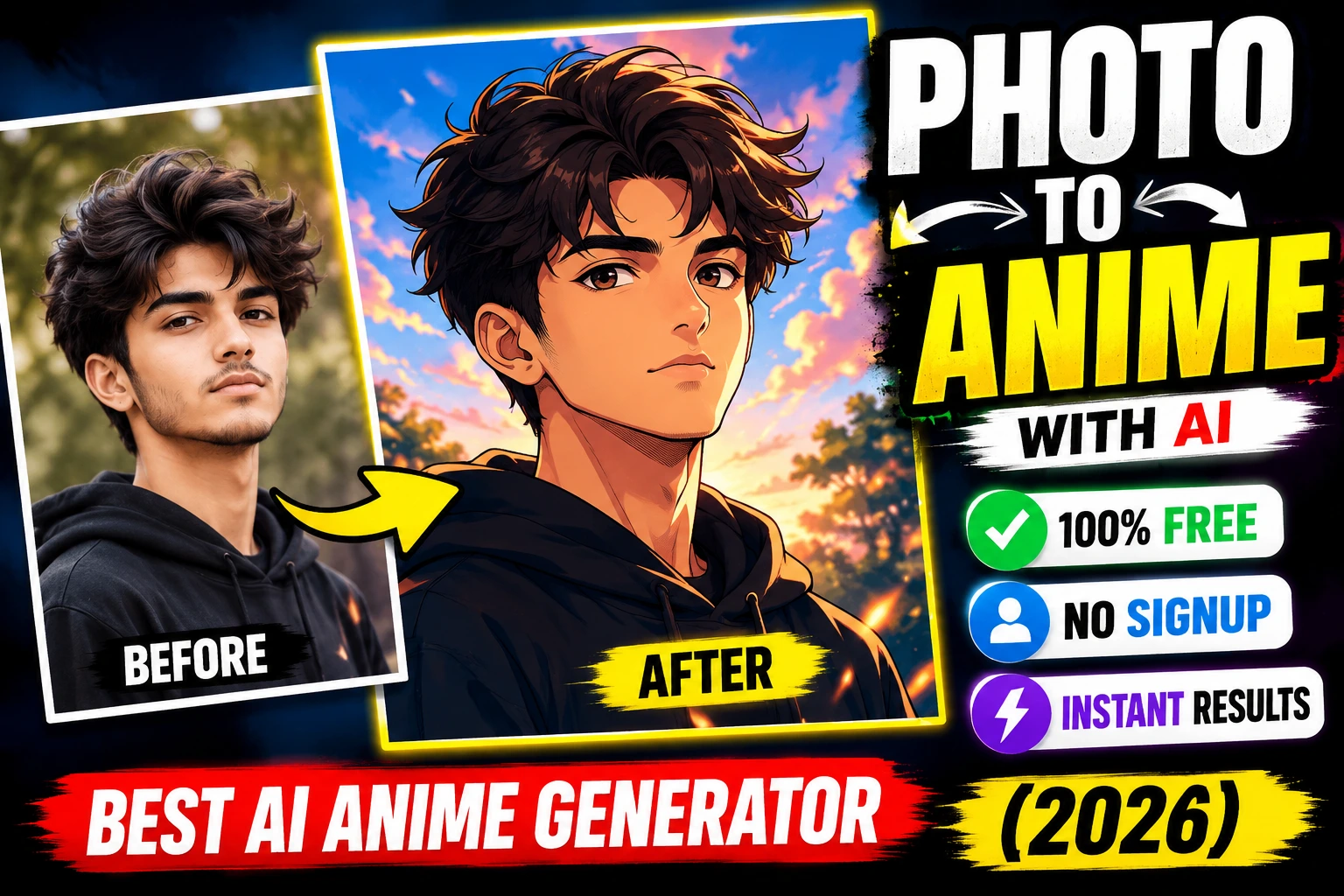
Artificial Intelligence is changing the internet faster than ever before. In 2026, one of the biggest trends online is AI image generation. From YouTubers and bloggers to students and freelancers, everyone is now using AI tools to create amazing images within seconds.
A few years ago, creating professional graphics required expensive software and advanced design skills. But today, free AI image generators allow anyone to create realistic photos, digital art, anime characters, thumbnails, wallpapers, social media posts, and even business graphics with just a simple text prompt.
If you are looking for the best free AI image generator in 2026, this guide will help you discover the top tools, their features, advantages, and how to use them effectively.
Whether you are a beginner or an experienced content creator, these AI tools can save time, improve productivity, and help you create high-quality visuals completely free.
Table of Contents
ToggleWhat Is an AI Image Generator?
An AI image generator is a tool powered by artificial intelligence that creates images from text descriptions. Users simply type what they want, and the AI automatically generates an image based on that prompt.
For example:
“A futuristic cyberpunk city at night with neon lights and flying cars”
Within seconds, the AI transforms the sentence into a realistic or artistic image.
These tools use advanced machine learning models trained on millions of images to understand prompts, styles, lighting, colors, and visual elements.
Why AI Image Generators Are So Popular in 2026
AI image generators have become extremely popular because they make content creation easier and faster.
Here are some reasons why millions of people are using them daily:
- No design experience required
- Fast image creation
- Free to use
- Perfect for social media
- Helps bloggers create featured images
- Useful for YouTube thumbnails
- Saves money on graphic designers
- Creates unique artwork instantly
Many businesses and creators now depend on AI tools to improve their online presence.
Best Free AI Image Generators in 2026
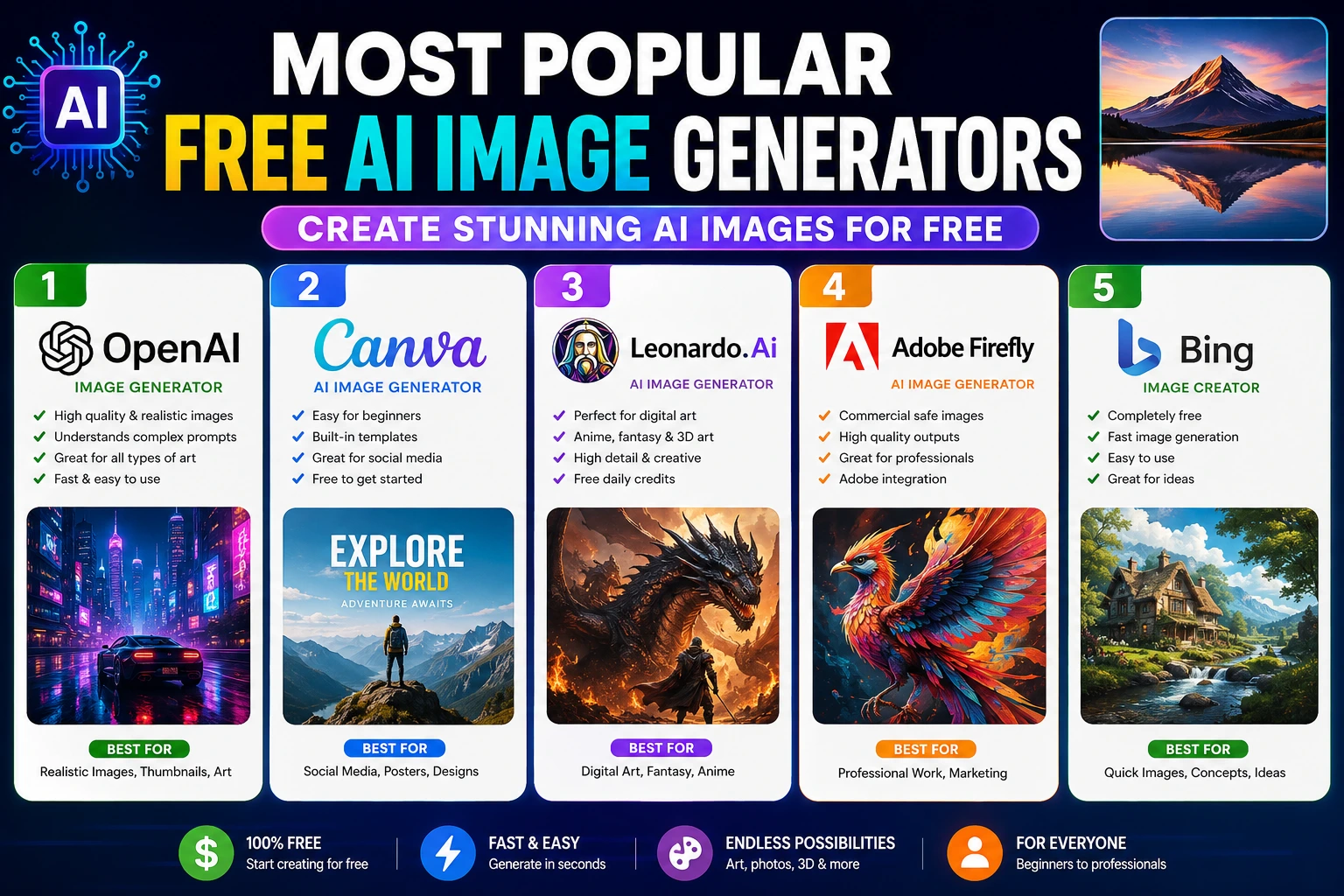
1. OpenAI Image Generator
OpenAI provides one of the most powerful AI image generation systems available today. It can create realistic images, artistic illustrations, fantasy worlds, cinematic scenes, and professional graphics with impressive quality.
The AI understands detailed prompts very accurately, making it one of the best choices for creators.
Key Features
- High-quality image generation
- Realistic AI photos
- Detailed prompt understanding
- Fast processing
- Great creative flexibility
Best For
- Blog featured images
- YouTube thumbnails
- Social media content
- Marketing graphics
- Creative artwork
Pros
- Excellent image quality
- Beginner-friendly
- Modern AI technology
Cons
- Some advanced features may require premium access
2. Canva AI Image Generator
Canva AI Image Generator is one of the easiest tools for beginners. Canva combines AI image creation with a drag-and-drop editor, allowing users to design graphics quickly.
This platform is especially popular among social media creators and bloggers.
Key Features
- Simple user interface
- Built-in templates
- AI-generated art
- Easy editing tools
- Social media ready designs
Best For
- Instagram posts
- Facebook graphics
- Website banners
- Presentation slides
Pros
- Very beginner-friendly
- Free templates included
- Fast workflow
Cons
- Limited advanced AI customization
3. Leonardo AI
Leonardo AI has become one of the fastest-growing AI art platforms in 2026. It is especially loved by gamers, digital artists, and creators who want detailed fantasy-style images.
Key Features
- AI fantasy art
- Anime image generation
- Detailed textures
- Free daily credits
- Advanced customization
Best For
- Gaming content
- Character design
- Anime art
- Fantasy scenes
Pros
- High-detail artwork
- Strong creative control
- Excellent for gaming creators
Cons
- Learning curve for beginners
4. Adobe Firefly
Adobe Firefly is Adobe’s AI image generator designed for professionals and businesses. It focuses on safe and commercial-friendly AI-generated content.
Key Features
- Professional quality images
- Commercial-safe AI content
- Smart editing tools
- Adobe integration
Best For
- Business graphics
- Marketing materials
- Professional designs
- Commercial projects
Pros
- Trusted Adobe ecosystem
- Excellent quality
- Reliable performance
Cons
- Some features limited in free version
5. Microsoft Bing Image Creator
Bing Image Creator is one of the easiest free AI tools available online. It quickly generates realistic and creative images using modern AI technology.
Key Features
- Free image generation
- Fast results
- Realistic outputs
- Easy access through browser
Best For
- Quick image ideas
- Blog graphics
- Concept art
- Daily content creation
Pros
- Completely beginner-friendly
- No complicated setup
- Fast image generation
Cons
- Limited advanced editing features
How to Use AI Image Generators Effectively
Creating better AI images depends heavily on writing good prompts. The more detailed your prompt is, the better the AI understands your vision.
Instead of writing:
“Car”
Try writing:
“A futuristic red sports car on a rainy cyberpunk street at night, cinematic lighting, ultra realistic, 4K”
This helps the AI generate more detailed and attractive results.
Tips for Writing Better AI Prompts
1. Describe the Image Style Clearly
When using a Free AI Image Generator, always mention the style you want. Different styles create completely different visual results.
Popular image styles include:
- Realistic
- Anime
- Cartoon
- Cinematic
- Fantasy
- Watercolor
- 3D render
Example Prompt
“Realistic portrait of a young man with cinematic lighting”
Adding style keywords helps the Free AI Image Generator produce more accurate and professional visuals.
2. Mention Lighting for Better Results
Lighting plays a huge role in AI-generated images. Good lighting makes visuals look more realistic, cinematic, and attractive.
Popular lighting styles:
- Neon lighting
- Golden hour lighting
- Soft lighting
- Dark moody lighting
- Studio lighting
Example Prompt
“Cyberpunk street with neon lighting”
Professional creators often use lighting keywords to improve image quality when using a Free AI Image Generator.
3. Add Quality Keywords
Quality keywords help the AI understand the level of detail you want in the image.
Useful quality keywords include:
- 4K
- Ultra realistic
- High detail
- Professional photography
- Sharp focus
Example Prompt
“Ultra realistic mountain landscape, 4K, sharp focus”
Using these keywords with a Free AI Image Generator can dramatically improve image quality.
4. Mention Camera Angles
Camera angles make AI images look more cinematic and professional. They help create depth and realism.
Popular camera angle examples:
- Close-up shot
- Wide-angle view
- Drone shot
- Portrait photography
Example Prompt
“Wide-angle view of a futuristic city at sunset”
A good camera angle can make images created with a Free AI Image Generator look much more engaging.
Benefits of Using a Free AI Image Generator
There are many advantages to using a Free AI Image Generator in 2026. These AI tools are helping creators, bloggers, students, and businesses produce professional-quality visuals faster than ever before.
Saves Time
Instead of spending hours creating graphics manually, a Free AI Image Generator can generate high-quality images within seconds.
This helps creators focus more on content creation and productivity.
Reduces Costs
You do not need expensive design software or professional graphic designers for basic visual content anymore.
A modern Free AI Image Generator allows anyone to create attractive images completely free.
Helps Content Creators
Bloggers, YouTubers, freelancers, and social media influencers use Free AI Image Generator tools daily to create:
- YouTube thumbnails
- Blog featured images
- Instagram graphics
- Facebook posts
- Marketing visuals
These tools make content creation easier and faster.
Improves Creativity
AI image tools help users experiment with different styles, concepts, and creative ideas instantly.
Using a Free AI Image Generator, creators can test unlimited visual concepts without advanced editing skills.
Are AI Images Good for Blogging?
Yes. AI-generated images are becoming very popular in blogging and digital marketing. Many websites now use visuals created with a Free AI Image Generator for featured images, illustrations, and graphics.
However, bloggers should follow some important rules:
- Use high-quality visuals
- Avoid misleading images
- Optimize image size properly
- Add image ALT text for SEO
Google focuses more on content quality and user experience than whether the image was created by AI.
Can AI Images Be Used for YouTube Thumbnails?
Absolutely. Many creators now use a Free AI Image Generator to create unique YouTube thumbnails because they:
- Attract more attention
- Improve click-through rates
- Save editing time
- Create modern visual styles
Professional YouTubers often combine AI-generated backgrounds with custom text and editing for better results.
The Future of Free AI Image Generators
AI image technology is improving very rapidly every year. In the future, a Free AI Image Generator may become capable of:
- Creating full AI videos
- Generating realistic virtual worlds
- Producing advanced 3D graphics
- Making interactive visual experiences
As AI continues to evolve, content creation will become easier, faster, and more creative for everyone.
Final Thoughts
A powerful Free AI Image Generator can completely transform the way people create online content in 2026. Whether you are a blogger, student, freelancer, YouTuber, or business owner, AI tools can help you create professional visuals without spending money.
Popular platforms like OpenAI, Canva, Leonardo AI, and Adobe Firefly are leading the future of AI-powered creativity.
If you want to grow online in 2026, learning how to use a Free AI Image Generator can give you a huge advantage in blogging, content creation, and digital marketing.
The best part is that many of these AI tools are completely free to start using today.